
Using Old Computer Operating Systems

Most people who use computers on a regular basis are familiar with the term “operating system”. Any computer built has some way to utilize the hardware that makes up the computer — to carry out the work needed for which the computer was built. For decades, operating systems have been changed and upgraded to meet the needs of […]
What’s New for Microsoft Teams in 2019
As part of their efforts to empower staff members across a broad spectrum of industries, as well as a wide variety of functions and roles, Microsoft has recently added increased capabilities to their Microsoft Teams application. By increasing the features and capabilities within the app, Microsoft hopes to create a seamless, easy to use environment […]
Microsoft Teams Adds New Functionality in 2019

As we settle into the new year, many companies are beginning to roll out updates and upgrades to their tools and systems. Microsoft is no exception. Microsoft continues to add value to the Microsoft Teams tool with new functions and capabilities. Let’s take a look at a few of them. Communication Effective communication within a […]
A Quick Guide To Inserting A Logo In Outlook Signature

Have you been wondering how to insert logo in your outlook signature? The process is pretty simple even if you are not very familiar with Outlook. According to this article, creating and selecting a signature is not that difficult in Outlook. However creating the signature you want with for example a company logo in it […]
Guess What? You Already Know How to Use Office 365, (and You Probably Already Love it Too!)
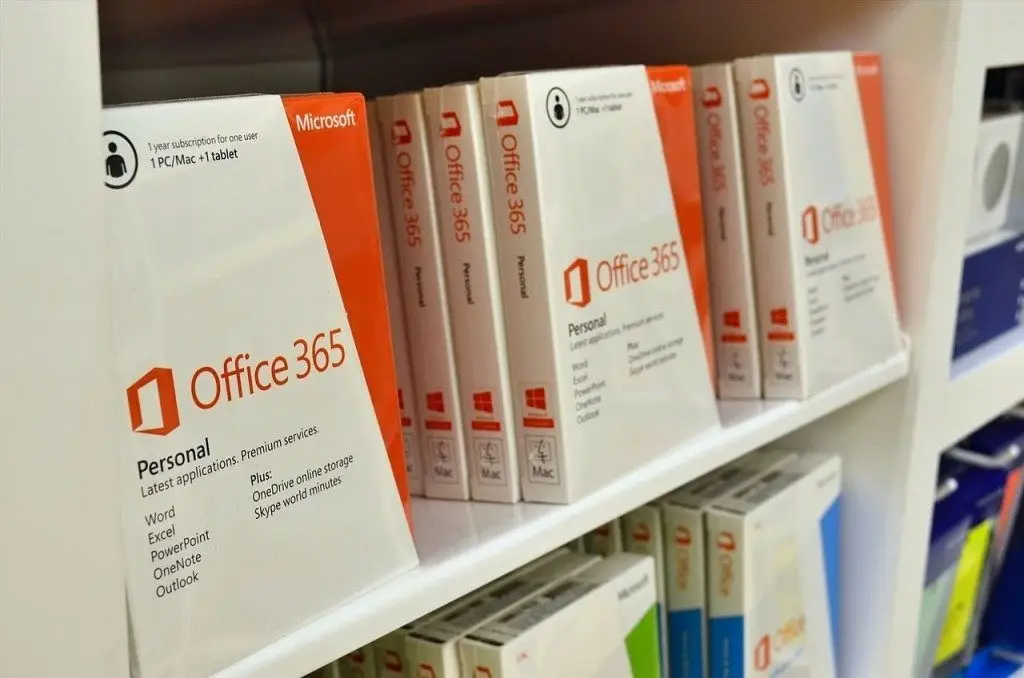
Because Office 365 is new to some people, they picture: A program that’s hard to set up, A program that’s only for Mac computers, Some new app that’s only for mobile devices, or Some confusing, new-fangled version of Microsoft products geared toward people who think the old platforms are useless or outdated. However, Office 365 […]